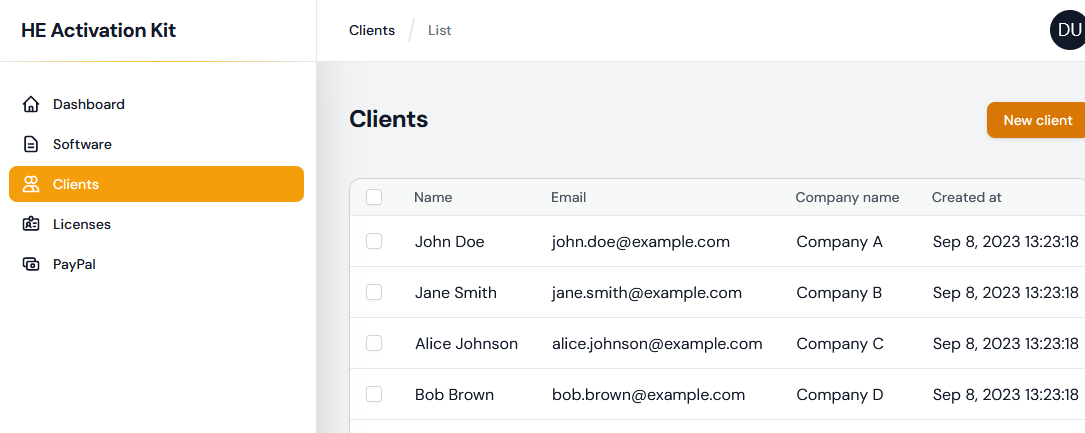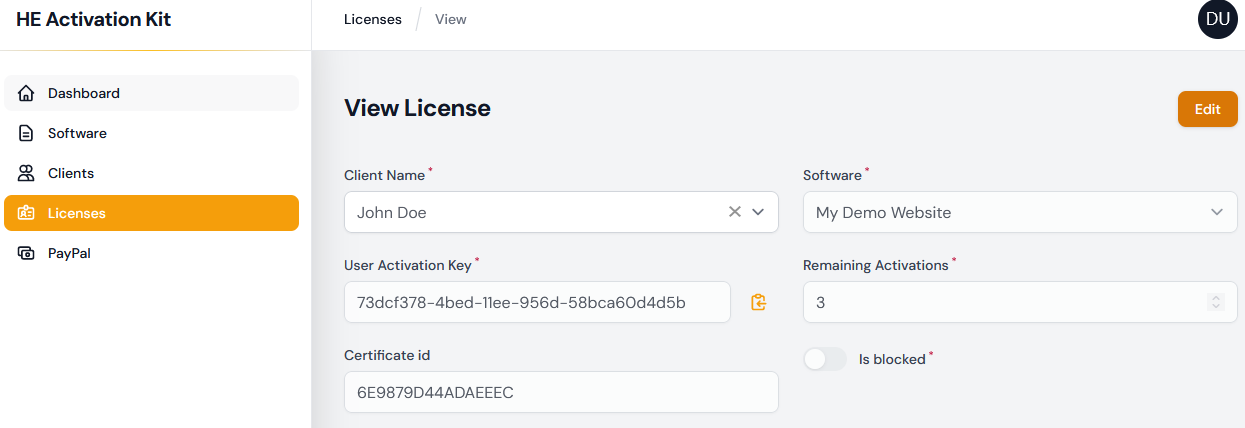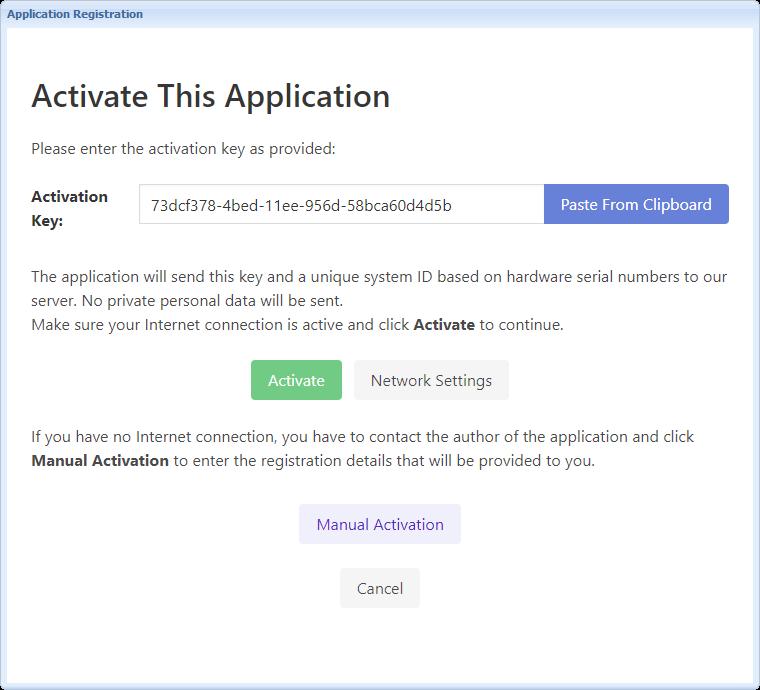
The HTML Executable Activation Kit is a useful tool that helps protect your ebooks and manage digital rights for your HTML, ebook, and PDF publications. It also assists in selling licenses through PayPal.
HTML Executable makes online activation easier, allowing only authorized users to access your content.
With the HTML Executable Activation Kit, you can use various features such as setting license expiration dates, limiting activations per license, and tracking these activations.
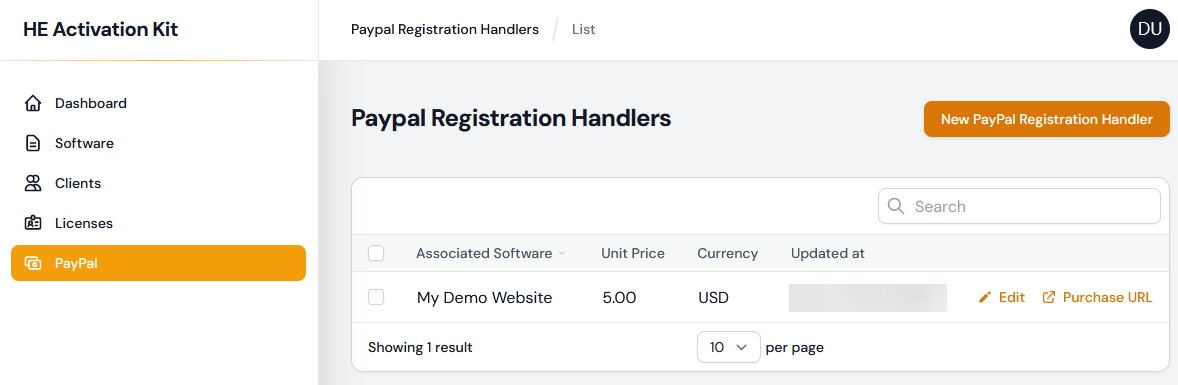
In addition to protection, the HTML Executable Activation Kit streamlines the process of selling licenses for your digital products, including ebooks and other publications. It integrates with PayPal, making it easier to set up a payment gateway on your website and allowing customers to purchase licenses directly from your store.
The HTML Executable Activation Kit is a valuable tool for anyone looking to protect their HTML digital content and generate revenue from it. It offers a comprehensive solution for managing digital rights and selling licenses for ebooks, HTML publications, and PDFs.